Get your passport or visa photo right, free
Upload a photo, crop it to the exact size your country asks for, and print it at home — all in your browser. We never see your photo or send it anywhere.
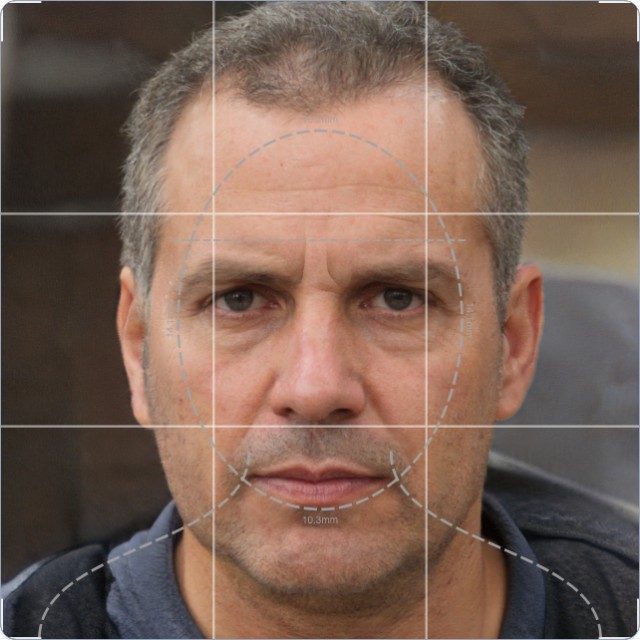
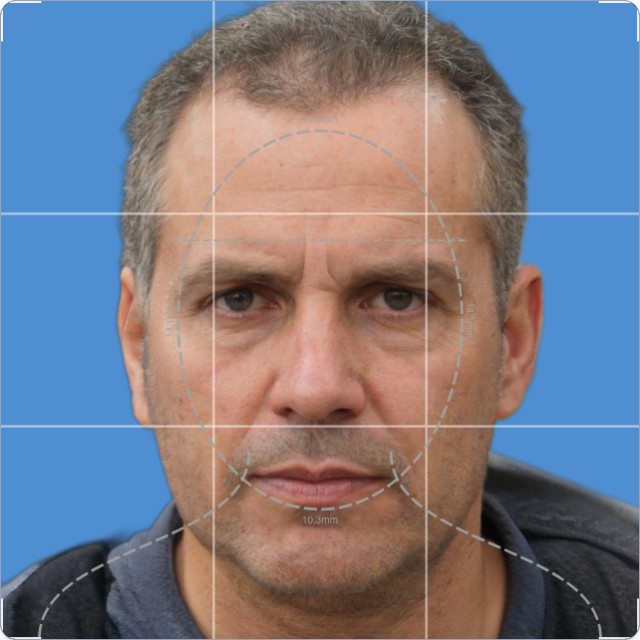
See it work, step by step
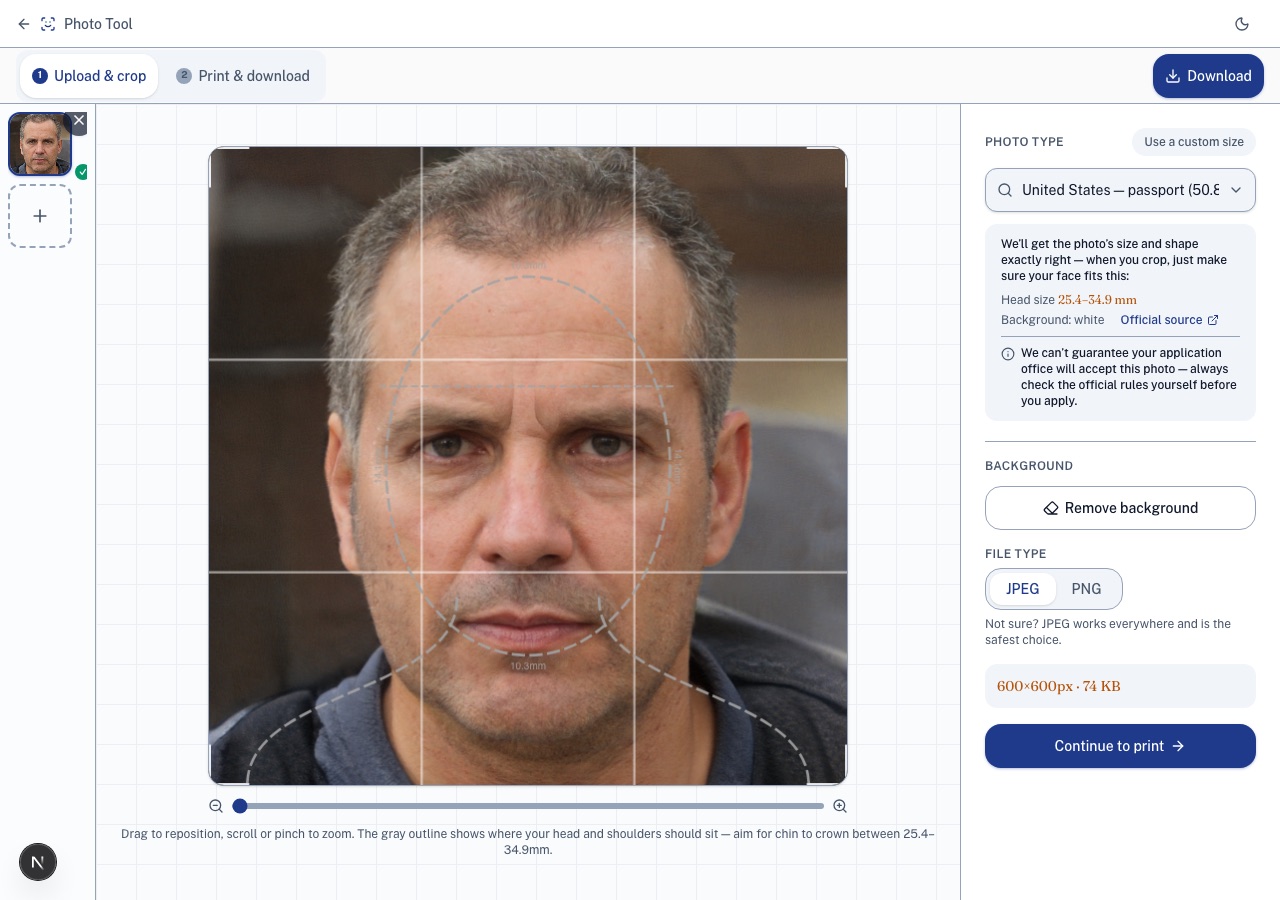
Pick your country, crop to the exact spec
Search your country and document type — the head-size guide and background rule show up right on the crop screen.
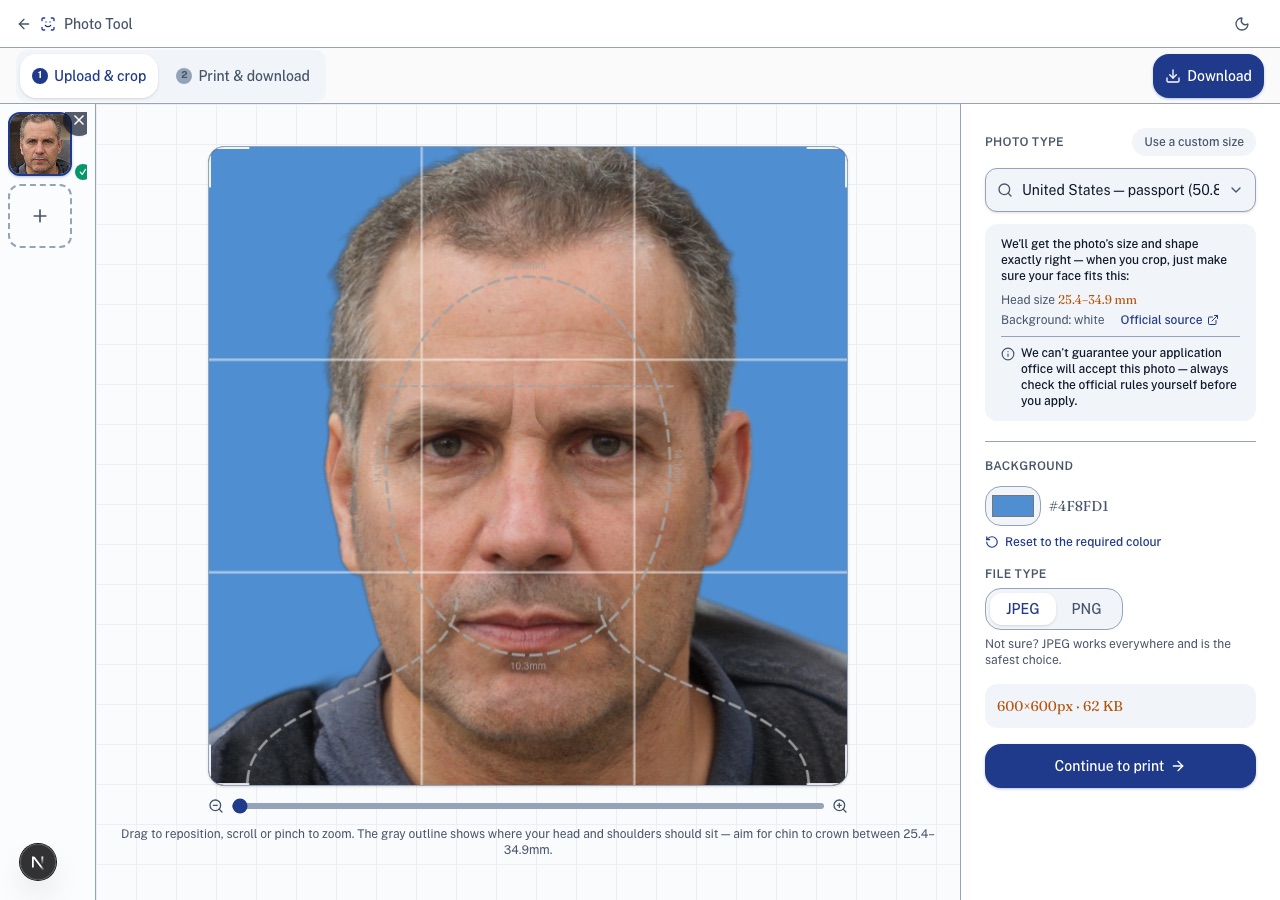
Remove the background, pick the right colour
One click lifts you out of your background, composited onto the colour your country requires — change it any time with the colour picker.
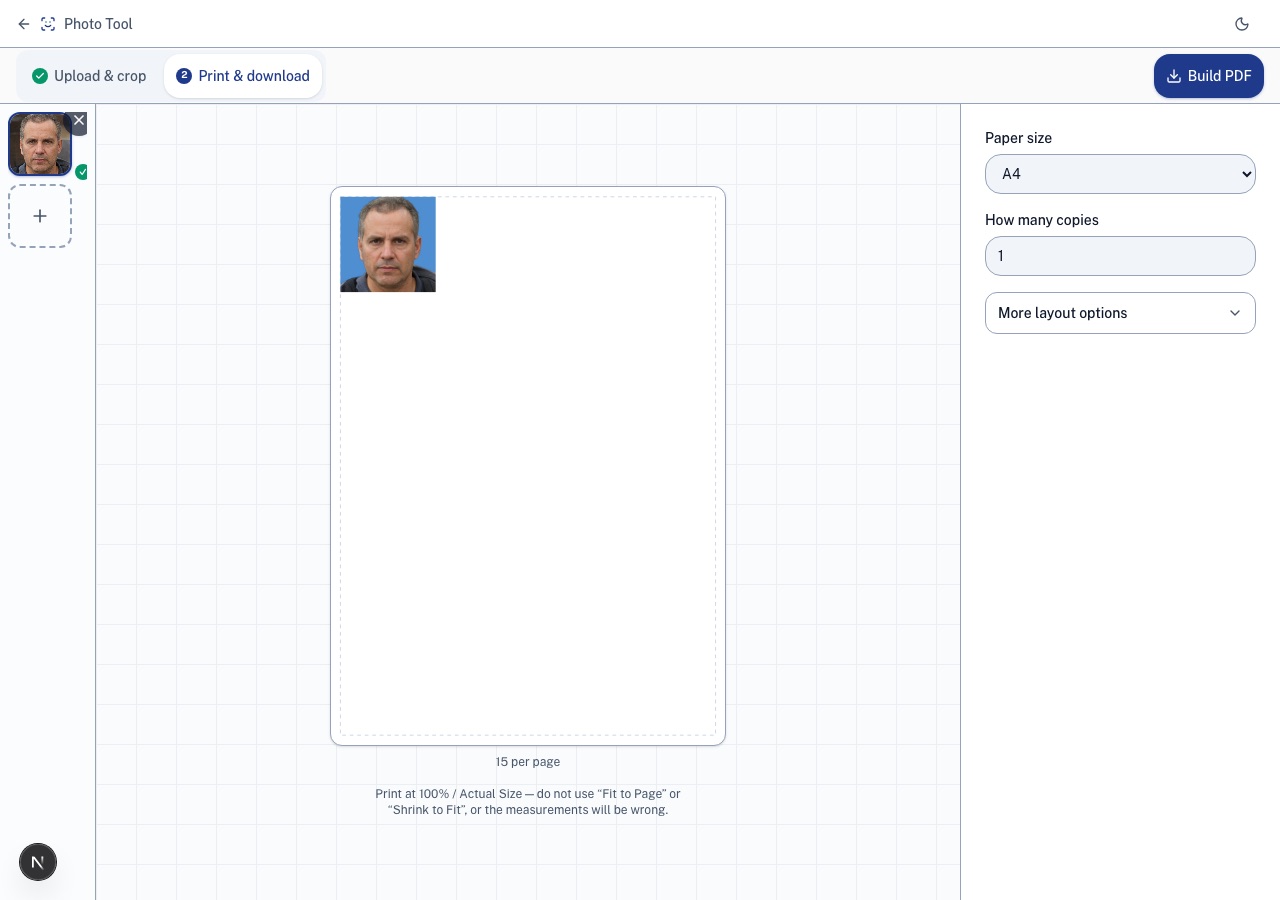
Print a ready-to-cut sheet
Lay it out on a real paper size with cutting guides — print at 100% and what you cut out is the exact size you picked.
Every sheet comes with cutting lines sized to your paper
Print at home or at a pharmacy kiosk, cut along the lines, and what you cut out is the exact size you picked — not a rough guess at scale.
Pick your country, see the rules on screen
Head size, background colour, and a diagram for your country and document — all shown right on the crop screen before you start cutting.
Crop a stack of photos, print them on one sheet
Upload everyone's photo at once, crop each, and lay them all out on a single print-ready page — one trip to the printer instead of five to a booth.